
DDR5 6000 32GB: What You Need to Know
DDR5-6000 32GB kits hit the sweet spot for most PC builders. They offer big speed gains over budget DDR5 without the high cost of faster kits. Here’s what you need to know before you buy.
What is DDR5-6000?
DDR5 is the latest generation of desktop memory. It was released in late 2021 and has become standard for new builds. DDR5-6000 MT/s (often called 6000MHz) is considered the sweet spot for performance. Kingston’s testing shows that 6000MT/s provides a noticeable boost over slower entry-level speeds, while faster kits don’t improve gaming fps much more.
DDR5-6000 runs at a data rate of 6000 million transfers per second. It uses a 32-bit prefetch and two independent 32-bit channels per module. That doubles the bandwidth compared to earlier DDR generations. Wikipedia’s DDR5 article explains the technical specs in detail.
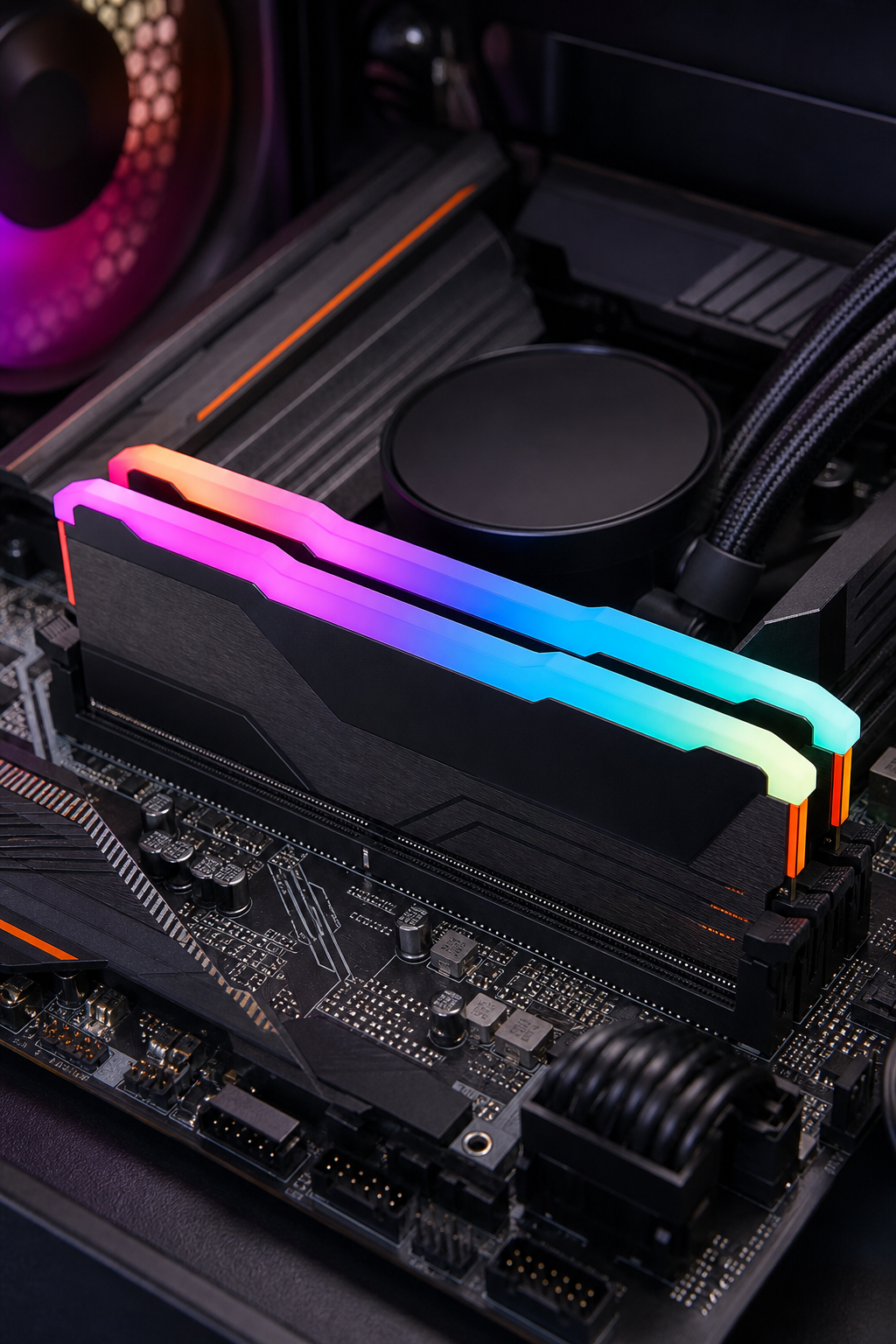
For example, the GEIL Aquarius Diamond RGB DDR5-6000 32GB kit available at 99deals.in runs at CL30 timings, which keeps latency low. That means snappier response in games and apps.
Why 32GB? Is It the Sweet Spot?
32GB of RAM is the new standard for gaming and productivity. It’s enough for modern games, multitasking with many browser tabs, and light content creation. LTT Labs’ testing found that 32GB kits at 6000 MT/s offer the best balance of price and performance for AMD systems.
Most games use less than 16GB, so 32GB gives you headroom. Future games and heavy apps like video editors will benefit. Plus, 32GB kits are widely available and well-supported. If you’re building a new PC, 32GB is the smartest choice right now.
DDR5 6000 vs Other Speeds: Performance Comparison
Kingston’s internal benchmarks show that jumping from 4800 to 6000 gives you about 10-12% more fps in popular games. Beyond 6000, gains shrink fast. The extra money for 6800 or 7200 is better spent on a faster GPU or CPU. That’s why 6000 MT/s is the sweet spot.
On AMD systems, 6000 MT/s is the ideal match for the Infinity Fabric clock. On Intel, you can go a bit higher, but the cost quickly outweighs the benefit. The table above shows the operational differences.
Compatibility: Which Motherboards and CPUs Support DDR5-6000?
DDR5-6000 works with all modern CPUs: Intel 12th, 13th, 14th, Core Ultra 200; AMD Ryzen 7000, 8000G, 9000, 7000X3D. You need a motherboard with a DDR5 slot. Most Z690, Z790, B760, X670, B650, and similar chipsets support overclocking profiles for 6000 MT/s.
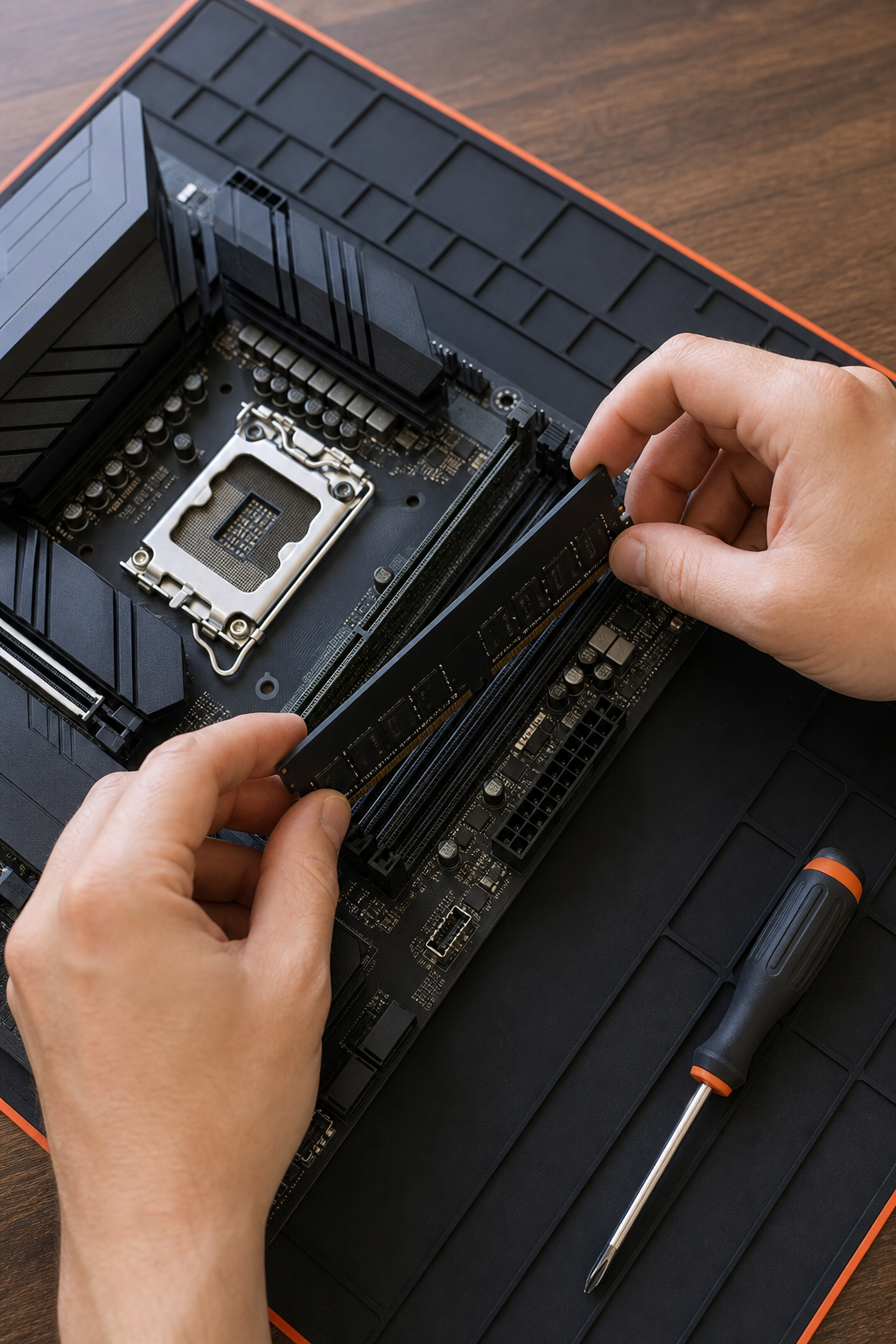
Always check the motherboard’s QVL (qualified vendor list) to be sure your specific kit is tested. At 99deals.in, we stock kits like the GEIL Aquarius Diamond that are widely compatible. Pair it with a good AM5 or LGA1700 board, and it’ll run at its rated speed with a quick XMP or EXPO setting.
Overclocking and Memory Profiles (XMP/EXPO)
XMP (Intel) and EXPO (AMD) are one-click overclock profiles. They set the speed, timings, and voltage automatically. Most DDR5-6000 kits come with a profile that’s already stable. You just enable it in the BIOS. No manual tuning needed.
If you want to push further, you can tighten timings or increase frequency. But 6000 MT/s at CL30 is already fast. Manual overclocking risks instability and heat. For 99% of users, just enabling the profile is enough. At 99deals.in, the kits we sell are tested to work with those profiles out of the box.
Frequently Asked Questions
Is DDR5 6000 32GB good for gaming?
Yes. DDR5-6000 32GB is excellent for gaming. It gives you plenty of capacity and fast speeds that improve fps in CPU-bound titles. Most modern games run best with 32GB and 6000 MT/s.
Will DDR5 6000 work with my AMD Ryzen 7000 CPU?
Yes, AMD Ryzen 7000 and 9000 series naturally support DDR5-6000. In fact, 6000 MT/s syncs perfectly with the Infinity Fabric clock, so it’s the recommended speed. Just enable EXPO in BIOS.
What’s the difference between DDR5 6000 CL30 and CL36?
CL30 has lower latency (10 nanoseconds vs 12 at 6000 MT/s). That means slightly faster response. For gaming, CL30 can give 1-3% more fps. It’s worth the small premium if you find a good deal.
Can I mix a 32GB DDR5 6000 kit with other RAM sticks?
It’s not recommended. Mixing different kits can cause instability or force all sticks to run at the slowest speed. Stick with a matched 2x16GB kit for best performance.
Do I need a special cooler for DDR5 6000?
No. Standard DDR5 heat spreaders are enough at 6000 MT/s. Most kits have aluminum heatsinks. As long as your case has good airflow, you’re fine. High-speed kits above 7200 may need active cooling.
Conclusion
DDR5 6000 32GB is the best all-round choice for gaming and productivity. It offers great performance without breaking the bank. Head over to 99deals.in to check out our selection of DDR5 kits, including the GEIL Aquarius Diamond. Enable XMP or EXPO in your BIOS, and you’re set.